Start your first run
PokeBonk runs on pokebonk.com. Open it in a browser with JavaScript and WebGL enabled. The original project says no download is required.
- 01
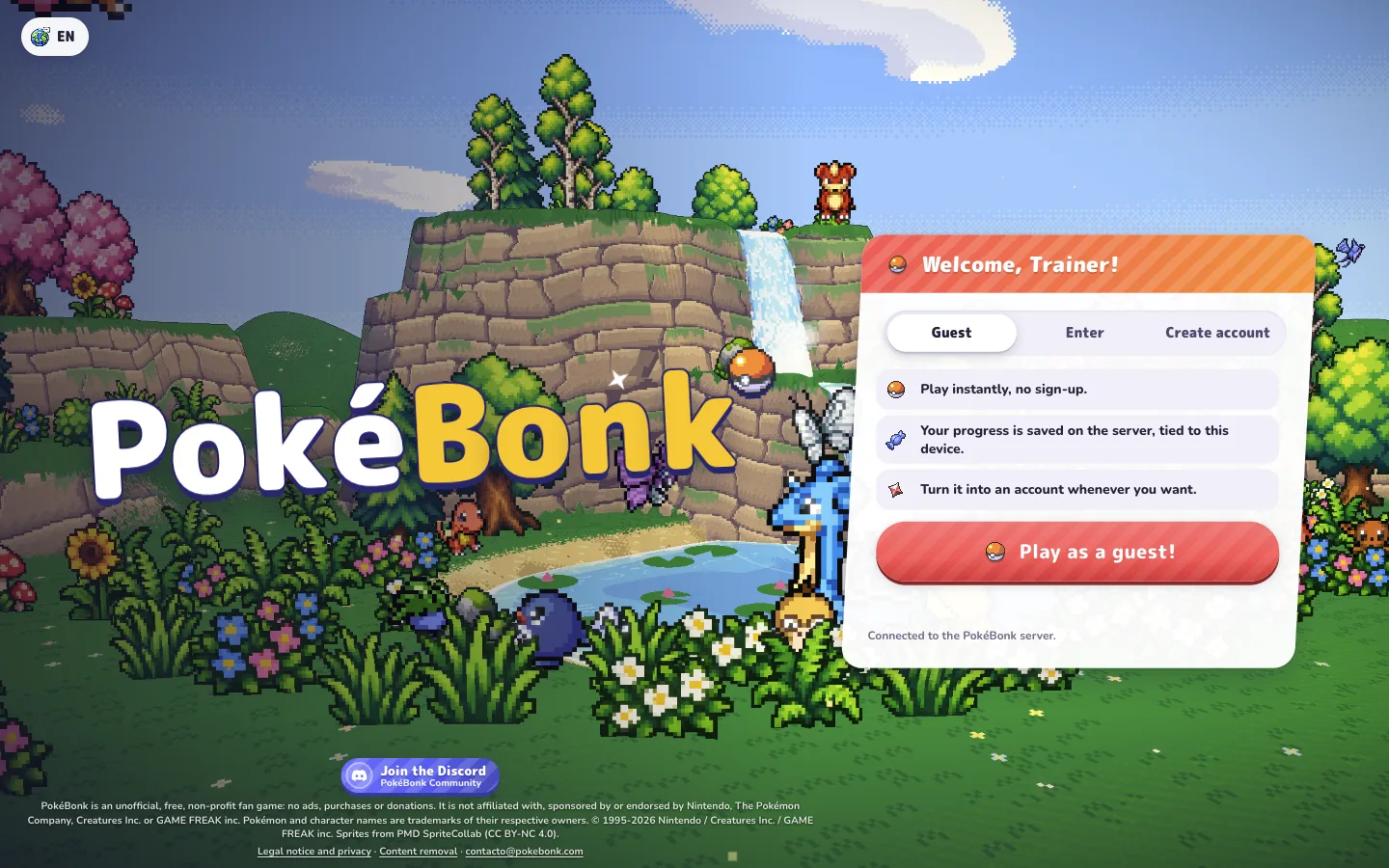
Enter as a guest
At “Welcome, Trainer!”, select the Guest tab and press “Play as a guest!”. You can begin without creating an account. If your session already shows the game menu, continue from there.
- 02
Choose your first partner
The “Choose your partner!” screen offers Bulbasaur, Charmander, and Squirtle. Select a card, then use the confirmation button below it. The screen says this partner becomes your first League member; the other two can join later through their challenges and capture in a run.
- 03
Open Play and confirm your partner
On the main menu, Play opens The League. Select an available partner, inspect its passive and move kit, then press “I choose you!” or Enter.
- 04
Prepare the run
In Choose region, pick an available region, a mode, and a difficulty. Our first tests used Viridian Forest on Normal. Press Start! when ready.
Desktop controls
The pause screen contains the control legend below. We used movement, interaction, an Ultimate, and pause during the test runs. Open Settings → Controls to check the current aiming mode and camera options.
| Input | Action |
|---|---|
| W A S D | Move your partner |
| Mouse | Move the camera |
| Space | Jump; the help also lists holding to glide for flying partners |
| Shift | Slide |
| R | Use your Ultimate |
| E | Interact with the nearby prompt |
| Esc | Pause or resume |
| Right click / Q / wheel | Lock a target / aim / zoom |
In Controls settings, Automatic aiming targets the closest enemy. Manual aiming points toward the camera. These are desktop instructions; touch controls still need a separate playtest.
Survive, gain experience, and choose an upgrade
Your starting move attacks automatically. In our Squirtle run, Water Gun defeated enemies while we moved around the map. Keep space around your partner, watch the health bar, and use the minimap to understand your surroundings. When an interaction prompt appears, its E label tells you what is within reach.
The pause panel shows your current HP, EXP, moves, items, and stats. Our Survival run progressed from level 1 to level 2 and opened a choice of three cards: a new move, a vitamin, or a move upgrade. We selected Bubble, which then appeared beside Water Gun in the move bar.
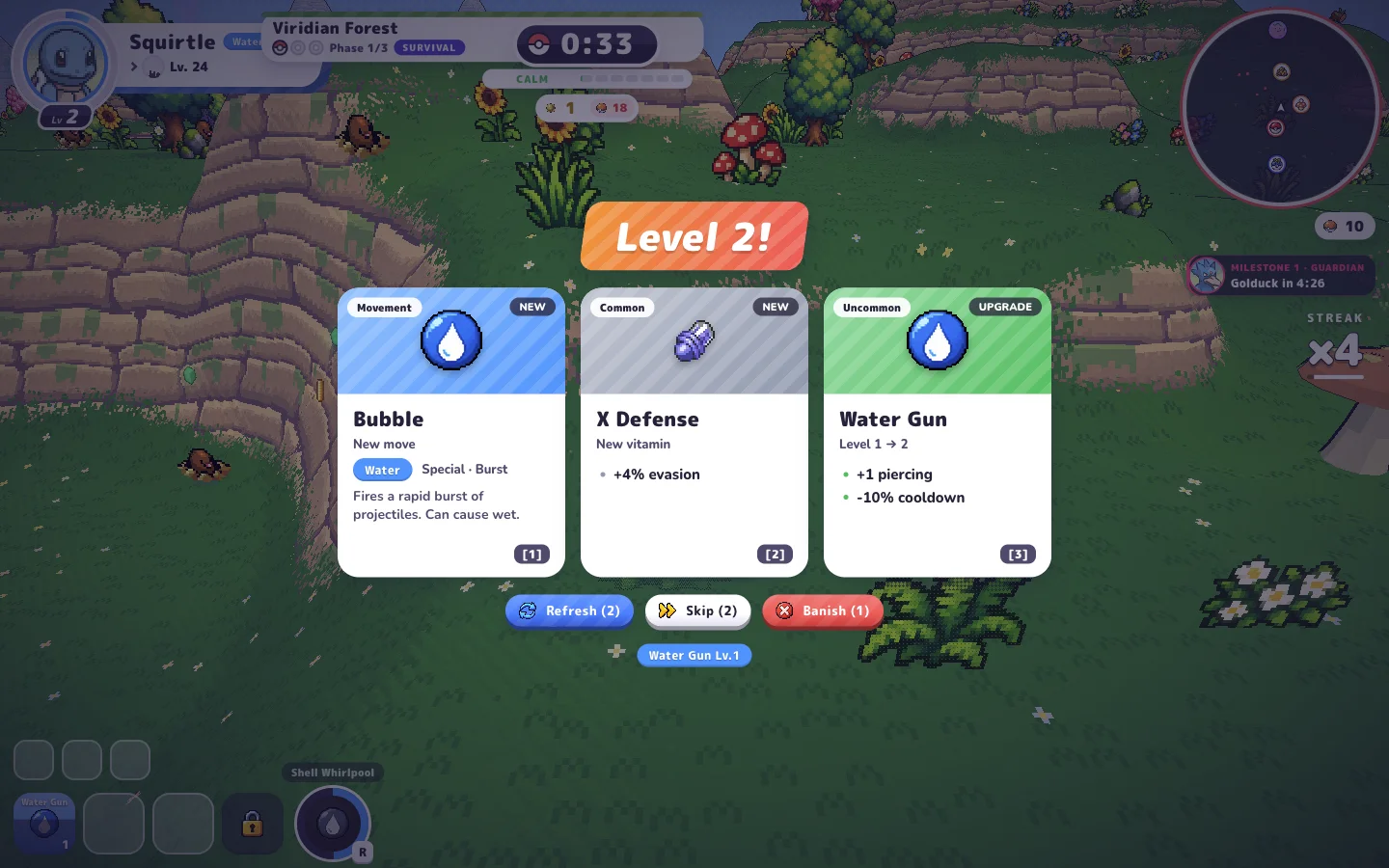
Read the card's change before choosing it. A new move and an upgrade affect different parts of the kit. The pause screen helps you review what you have learned.
Our short runs confirm the early upgrade flow. Exact experience pickups, later evolution conditions, capture challenges, and complete builds need longer tests before we publish instructions for them.
Classic or Survival?
Classic
The preparation screen describes zones, guardians, and a shrine. Our Classic run began in Zone 1/3 with a countdown timer.
Survival
The preparation screen describes endless hordes and milestones. Our Survival run displayed an elapsed timer, a phase, and an upcoming guardian milestone.
Both are available from the run preparation panel. Choose based on the structure you want to explore; we have not yet completed a full run of either mode.
Choose a starter that fits how you want to play
The original selection screen labels Bulbasaur as a Healer, Charmander as Fiery Assault, and Squirtle as a Defender. Those roles come from the game, and their passives explain the distinction.
Read the starter guide for the three starting attacks, passives, later move kits, and practical selection advice based on those descriptions.
Sources and verification
Checked on against the original game's English interface. Our playtest covered a Bulbasaur Classic run and a Squirtle Survival run through the first level-up. Menu descriptions and League profiles support the kit details. Updates to the original game may change these screens.